
Searching the Tuscola County Court Docket
Tuscola County splits its court records across three courts. So the case type decides where a docket search starts. Circuit felonies, larger civil cases, and family matters sit with the 54th Circuit Court. The 71B District Court holds the rest. It also handles traffic, misdemeanors, civil infractions, small claims, and district civil cases. And it takes the preliminary stage of a felony. Probate and protective matters sit with Tuscola County Probate Court. Pick the court first. A search across all county records at once rarely works, because each clerk keeps its own files.
Know what you need before you search. A public docket can locate a case, confirm a hearing, or explain a Register of Actions entry. It can also point to the clerk who holds the file. It will not show everything. Some orders, transcripts, exhibits, and images stay out of the public result. The result is not a certified copy either. For a time-sensitive Tuscola County court docket question, weigh the online result against the citation, the notice, or the clerk's instruction for the court that owns the case.
- Open the public MiCOURT Case Search and choose the Tuscola court that fits the matter before entering a name or case number.
- For a name search, begin with a distinctive last name or business name, then use the optional first name, middle name, birth year, status, category, or date filters only as needed.
- For a case-number search, copy the year, number, and case type exactly as shown on a notice or clerk response. Do not add wildcards or remove leading zeroes.
- Check the 71B public Court Docket or Magistrate Docket when a district setting needs local calendar context, then match the display to the correct case.
- Use the originating clerk or court counter when a result is missing, restricted, older, or insufficient for an official copy. Circuit searches and copies have forms; district and probate matters follow their own clerk routes.
The Tuscola County homepage connects county departments and court services. It is the online front door to the Caro courthouse complex.
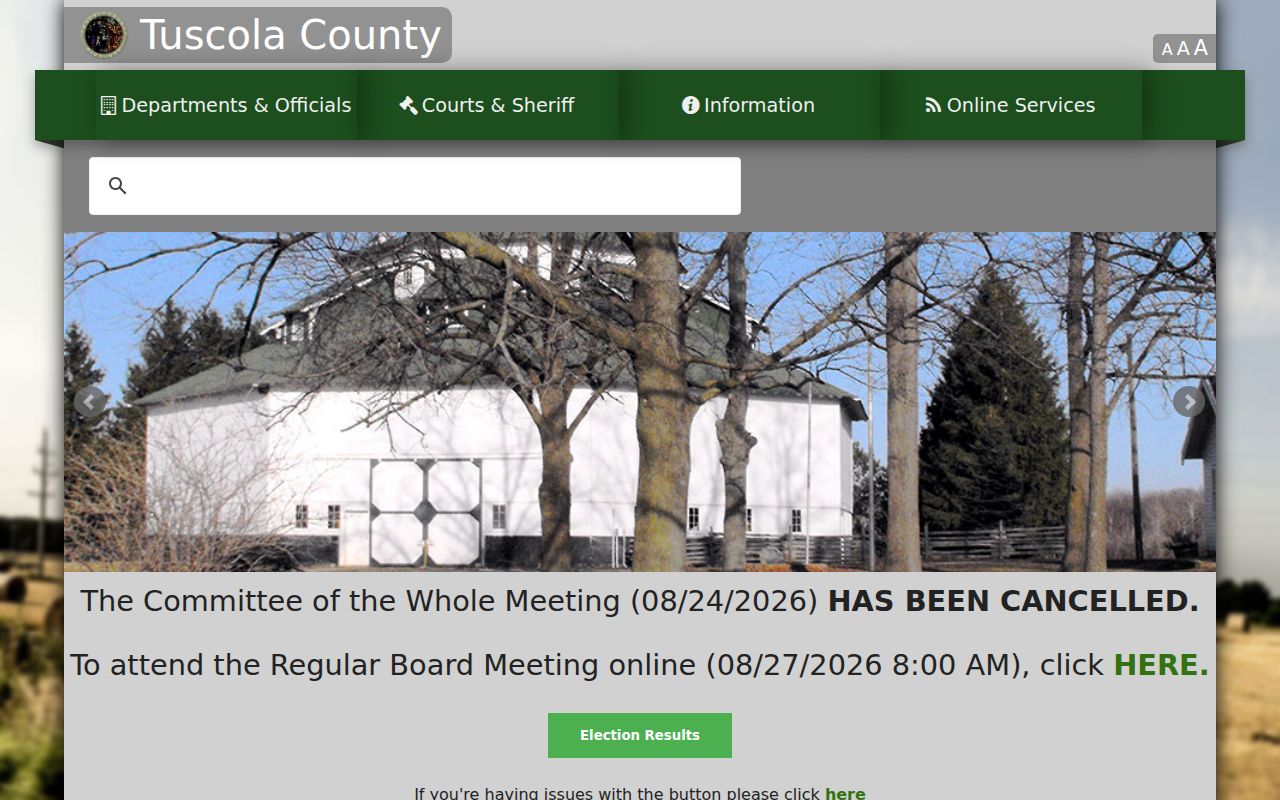
That landing page helps you spot the right court department. The clerk and the court-specific record source still control access to any individual Tuscola County court docket.
Tuscola Court Docket Court IDs
MiCOURT assigns each Tuscola court its own ID. C54 marks the 54th Circuit Court. D71B marks 71B District Court, and P79 marks Tuscola County Probate Court. All three sit at the county courthouse in Caro, but they do not hold the same case types. That matters for felonies. A case that began with district-level proceedings can move to circuit court, so it may be missing from one court and sitting in another.
The name-search tab has its own rules. A last-name or business search needs at least two characters. The case-number tab takes a four-digit case year when you have one, a required case number, and an optional two-character case type. Filters sort civil and family, criminal, traffic, and probate. Choose the court before filtering. That keeps a Tuscola County court docket search pointed at the office most likely to hold the case history.
| MiCOURT ID | Tuscola court | Common docket route |
|---|---|---|
| C54 | 54th Circuit Court | Felony cases after bindover, circuit civil, family, PPO-related, and other circuit files. |
| D71B | 71B District Court | Traffic, misdemeanors, civil infractions, preliminary felony stages, district civil, small claims, and summary matters. |
| P79 | Tuscola County Probate Court | Publicly accessible probate matters, subject to the case type and access limits. |
Inside a Tuscola County Court Docket
A public Tuscola County court docket is a case history, not a verdict on anyone named in it. The MiCOURT result lists the basics. Expect a case ID, title, filed date, case status, court, balance, and next hearing. Detail views go deeper. Events, hearing information, disposition, due date, and financial entries can appear, and criminal or traffic records may add charges and hearing fields. Civil records work the same way. They can name parties, service or answer fields, register events, judgment information, and hearings where those details are public.
Fields vary by court and case type. A filed date is not a judgment date. A status like open, pending, adjudicated, disposed, or closed does not explain the full case posture by itself. A next-hearing field names a future setting. It says nothing about a hearing's result. The clerk's official file may hold records that never appear as public images in MiCOURT, and access to any single item still depends on court rules and restrictions.
| Case ID and court | The system identifier and selected court context needed to distinguish C54, D71B, and P79 records. |
|---|---|
| Filed date and status | When the court record opened and the current public status label, not a finding on the merits. |
| Events or Register of Actions | Chronological case-history entries, often with an event date, description, comment, judge, clerk, amount, or receipt. |
| Hearing fields | Date, time, type, officer, location, comment, and result when the public record supplies them. |
| Disposition and financial fields | A recorded outcome and court-entered amounts or due-date information where public, not a certified payoff calculation. |
Tuscola Court Docket Record Labels
Case history goes by several labels in Tuscola County. The County Clerk's copy workflow calls the chronological history a Register of Actions. The District Court page links a public Court Docket plus a separate Magistrate Docket. MiCOURT names its public tools case search, case detail, events, hearings, and history. The labels overlap. The documents and calendar scope may differ. So match the label to the job.
A Register of Actions shines when you know the case number and need a specific chronological record for a circuit copy request. A public district display adds court-calendar context. MiCOURT's detail view is often the broadest public starting point. It covers case fields and next-hearing information, while the originating clerk handles certifications and records absent from a public result.
| Local label | What it describes | Best use |
|---|---|---|
| Register of Actions | Chronological case-history record used in the County Clerk's copy process. | Identify events or request a circuit history by the known case number. |
| Court Docket | Public 71B district-court docket display linked by the county. | Review local district calendar or docket context. |
| Magistrate Docket | Separate public 71B display for magistrate docket context. | Check a magistrate setting against the citation or case record. |
| MiCOURT case detail | Public case-level result and history fields where available. | Locate a case and confirm its selected court, events, and next hearing. |
Courts That Keep Dockets in Tuscola County
Public court records in Tuscola County route by court and subject matter. The 54th Circuit Court has general jurisdiction. Its circuit files live with the Tuscola County Clerk. The 71B District Court keeps its own path. That path covers traffic, misdemeanors, civil infractions, district civil matters, small claims, summary proceedings, and the preliminary stages of a felony. Probate records sit in a separate court. A family case runs through the circuit-court structure, though Friend of the Court administrative and support systems stay distinct from the public circuit docket. The official 54th Circuit Court page lists the court's jurisdiction and public contacts.
Felony cases travel. One can begin in D71B and continue in C54 after bindover. So check the court ID and the case stage. The shared county does not merge the records. The official Tuscola Family Division page explains the Family Division and its Friend of the Court connections inside the county's circuit-court structure.
Family routing helps you find the right county office. It does not put every family or support record into a public search.
| Court | Docket covers | Where to search or request |
|---|---|---|
| 54th Circuit Court | Felony matters after bindover, circuit civil, family, PPO-related, and associated circuit files. | MiCOURT C54 for public case-level information; County Clerk for official circuit records and copies. |
| 71B District Court | Traffic, misdemeanors, civil infractions, preliminary felony proceedings, civil, small claims, and summary matters. | MiCOURT D71B, the public Court or Magistrate Docket display, and the District Court/Magistrate's Office. |
| Tuscola Probate Court | Estates, trusts, guardianships, conservatorships, and probate protective proceedings. | MiCOURT P79 for public case-level information; Probate staff for official access and restrictions. |
Tuscola Court Docket Clerk Routing
One building, three record paths. The Tuscola County Courthouse at 440 N. State Street in Caro houses the 54th Judicial Circuit Court, the 71B District Court, and Probate. But each keeps its own clerk. The County Clerk holds circuit files as that court's constitutional clerk. District traffic, misdemeanor, and civil-infraction records sit with the 71B District Court Clerk/Magistrate's Office. Probate records follow a separate clerk of their own. When you send a request, name the court, the case type, and the approximate year. Add the case number if you have it, so the ask lands with the right Tuscola County court docket keeper.
The Tuscola County directory lists the contacts for the local court, clerk, probate, Friend of the Court, and court administration.
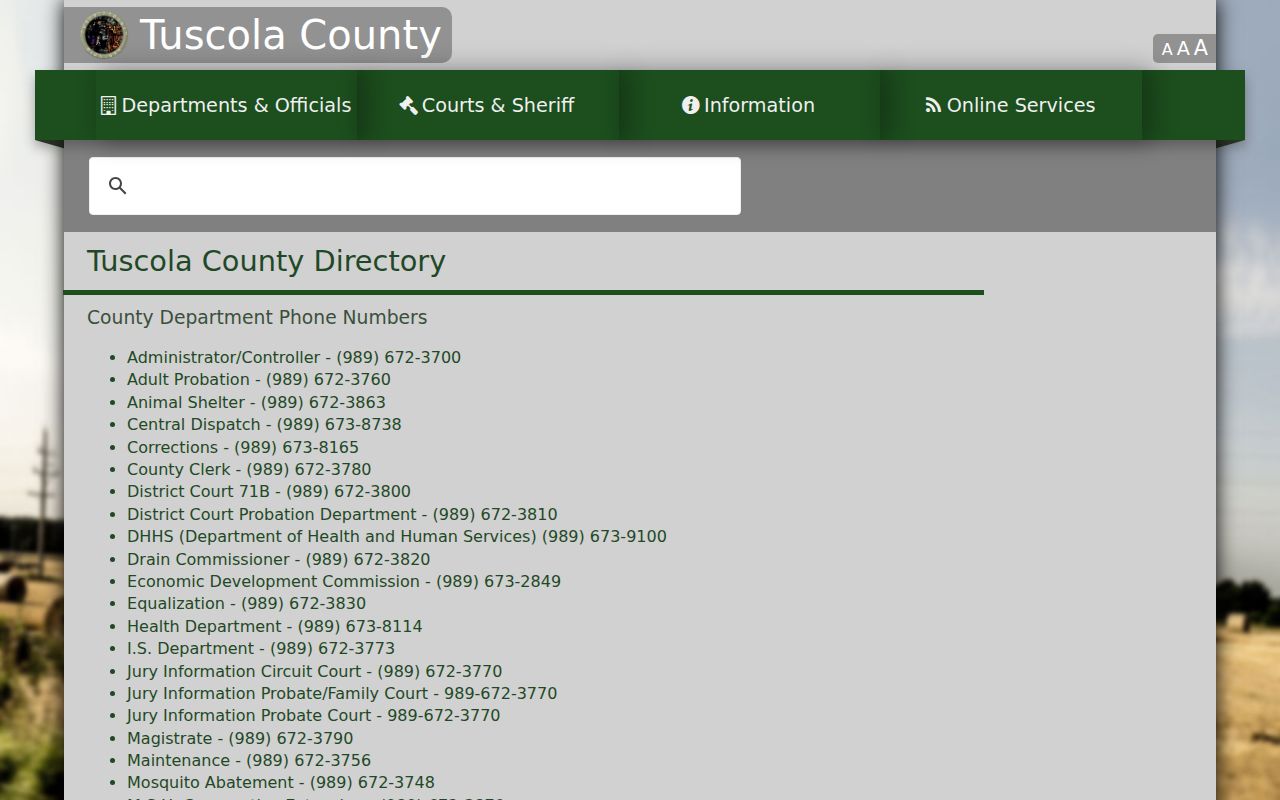
Getting the division right matters. A copy request for a 54th Circuit file goes to the County Clerk. A D71B traffic ticket or civil-infraction question is different. It goes to District Court or the Magistrate's Office instead. Send it to the wrong spot and the request stalls.
How to Find Court Dates and Settings
A Tuscola County court docket entry can list the hearing date, time, type, officer, and location. A comment line or later result may appear too. Each field describes a setting. A setting is just a scheduled court event. It does not promise the hearing is final. The setting can still be continued or reset. A next-hearing line on one case is not the same thing as a full countywide calendar either.
For a district matter, start with MiCOURT D71B and the case detail. Then check that result against the local public Court Docket or Magistrate Docket, whichever fits. Circuit, probate, and family settings each need their own court or division. If a mailed notice and an online result disagree, call the assigned court. The court can confirm the current setting and tell you how to take part. But a remote-hearing request stays only a request until the judge approves it.
A traffic citation moves down its own track. The Tuscola County Traffic Tickets page covers the district court's ticket record, payment, and hearing options.
Tuscola Court Docket Calendar Displays
The local 71B district page links two public views: a Court Docket display and a Magistrate Docket display. Both give district calendar context. Neither replaces the case search. A calendar line still has to be matched to the right case and the current notice. Restricted matters may show limited detail. A continued or reset hearing can change the display at any time.
The county posts no single official Tuscola County calendar. None spans circuit, district, probate, and family matters. A public case detail shows the next hearing for one case only. That is not everything scheduled that day. Read each date with the court ID, hearing type, location, officer, and comment, and verify anything urgent or changed with the court that set it.
Note: A public hearing date may change or have limited details, so verify the time, location, and court directly when a Tuscola appearance is near.
Public Access to Court Dockets
Michigan court records are open for public inspection and copying. A rule, statute, or court order can restrict them. That openness has limits, though. MiCOURT is not a full image repository, and some case types are hard to search. Juvenile, child-protective, PPO, mental-health, adoption, name-change, and other restricted categories may be missing or thin. A docket entry can show up while the document behind it stays redacted or unavailable. No case number undoes a sealing order.
For a Tuscola County court docket, go through the court or clerk's own record-access procedure. The county administrative FOIA route is not the one. The judicial record system sets its own access rules. Staff can walk you through the public record, the form, the fee, and the custodian, but the County Clerk cannot give legal advice on unsealing a record or handling a case.
Michigan access rules:
MCR 8.119 governs official court records, public inspection, copies, and the sealing framework.
MCR 1.109(D)(8) addresses protected personal identifiers and redaction in filings.
MCR 3.903 recognizes special confidentiality and access rules for juvenile proceedings and records.
Michigan FOIA excludes judicial records from the county administrative process used for noncourt records.
Tuscola Court Docket and MiFILE
MiCOURT and MiFILE do different jobs. MiCOURT is the public, case-level search route for Tuscola County court docket information. MiFILE is the statewide e-filing system. It runs through the TrueFiling interface for authorized filers in participating courts. A filing account does not open the public court record. The public case search, in turn, files nothing with the court.
The MiFILE available-courts directory lists participating courts, including Tuscola 71B. For a public case lookup, stick with MiCOURT and the clerk path. For filing, follow the local court's current instructions. Email, fax, mail, and electronic filing channels may carry separate requirements. None of them substitutes for a record request.
Docket Records at the Clerk's Office
Circuit court files for 54th Circuit Court live at the Tuscola County Clerk's office. No case number? Start with the County Clerk Search Request Form. It wants a name plus a rough year. It also asks whether the matter is criminal, civil, or both. Once the docket search turns up a match, a Copy Request Form takes over. That form wants the case number and the document name. It also needs the filing date. Add the page count if you know it. Keep this two-step route separate from a D71B request. That covers traffic and district-civil matters, and probate records sit elsewhere too.
Fees follow the clerk's published schedule. A name search covering 1989 to present costs $5 per name. Earlier years add $1 each, per name. Copies run $1 per page for a Register of Actions or a true copy. A certified copy is $10 for the first page. Each additional page or document adds $1. Transcripts are different: those requests go to the court reporter, not the standard clerk-copy route. Check current charges before mailing a money order or asking for certification.
The Tuscola County Clerk page spells out the circuit-records role. It also covers the forms, fee information, and filing contacts.
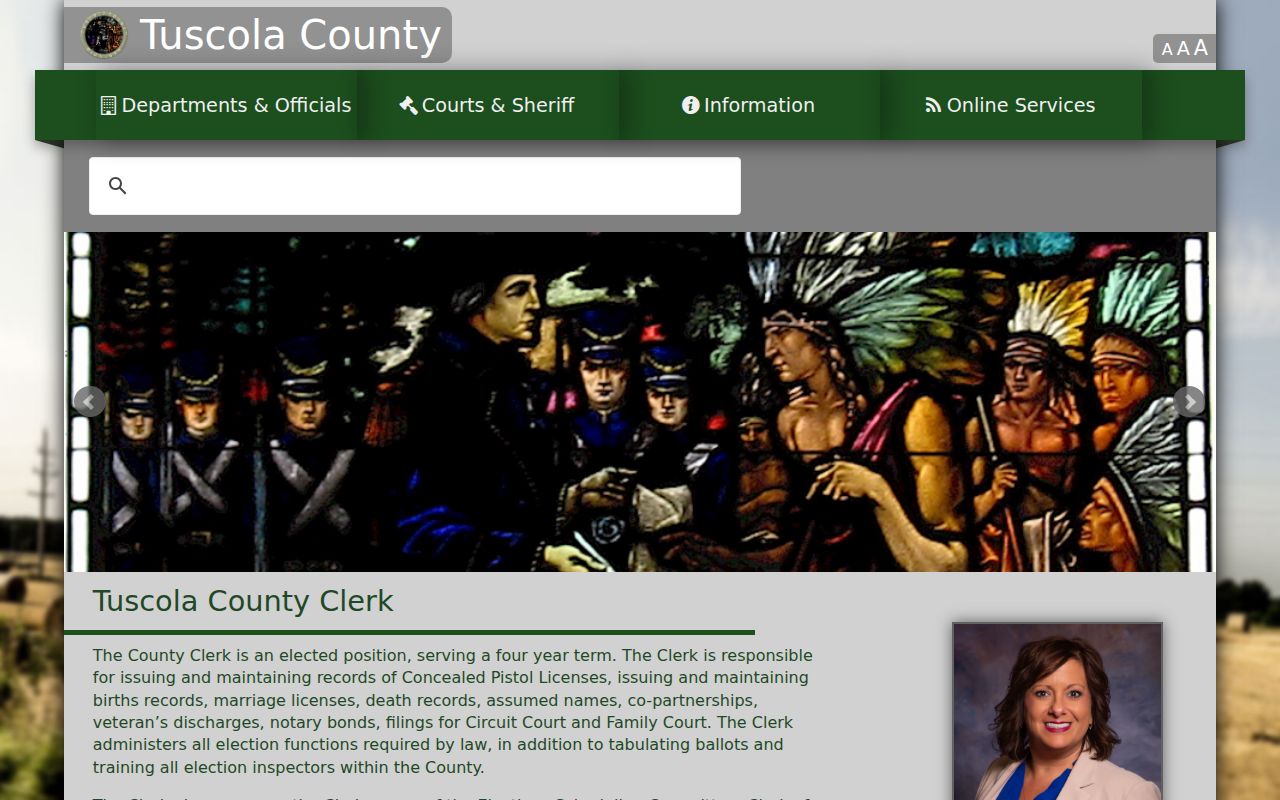
The clerk page backs up the circuit-record route. District and probate records stay with their own courts, even at a shared courthouse address.
Tuscola County Clerk / Circuit Records
440 N. State Street, Department 5
Caro, MI 48723
General Clerk: 989-672-3780
Circuit Records: 989-672-3775
Monday-Friday, 8:00 a.m.-noon and 1:00-4:30 p.m., excluding holidays
Tuscola Court Docket Volume
The state's official index has a newest complete county-level report. It is the 2023 Tuscola 71B District caseload report. Read it carefully. Those rows count court workload, not unique people, and not a live-docket total. The range is still useful. Traffic infractions, misdemeanors, civil and small-claims matters, summary cases, and felony preliminary work all pass through the district court.
The numbers also teach a search lesson. A name alone, run against a high-volume docket, can pull up more than one result. The court ID, case category, date range, and exact notice details narrow things down. Court, case number, filing date, and category give the context. A case history needs it before anyone reads it.
Tuscola County Court Dockets by City
Tuscola County has just two cities, according to the official 2020 incorporated-place table. Caro counted 4,328 residents. Vassar counted 2,727. Cass City, Reese, Millington, Mayville, Unionville, Kingston, Akron, and Gagetown are villages, so no extra city court pages appear for them. The countywide court route covers the two cities plus every other agency the 71B District Court lists.
The Census incorporated-place table backs that two-city scope. City Hall handles municipal questions. County court records stay with the right county court and clerk.
Caro Docket Search
Caro is the county seat and the location of the Tuscola County Courthouse.
Caro police citations route to 71B District Court rather than a separate municipal court.
Vassar Docket Search
Vassar is Tuscola County's second incorporated city in the official 2020 table.
Vassar police citations route to 71B District Court rather than a separate municipal court.
Tuscola Court Docket City Court Gap
Caro and Vassar have no municipal courts of their own. The official county court pages and the MiCOURT directory list none for either city. Instead, the local District Court page treats traffic matters from the Caro Police Department, Vassar Police Department, the Tuscola County Sheriff, and other listed agencies. Those matters sit in the 71B district traffic process. Keep two records straight here. A city police incident report and a Tuscola County court docket are different documents. They are held by different offices.
For a Caro or Vassar citation, start with the D71B public search. The district's public docket displays also help. If the citation is missing online, the Magistrate Criminal/Traffic Division is the stop. City Hall cannot issue a certified 71B record. That countywide setup is why the city pages lead back to the district court. No separate local court docket exists.
Note: For a city citation that is not visible online, use the citation number and date when contacting 71B rather than assuming a separate municipal file exists.
Map and Directions to the Tuscola County Courthouse
The 54th Circuit Court, the 71B District Court, and Probate Court all sit in the same Art Deco building at 440 N. State Street in Caro, the county seat. The county's development plan says the courthouse stands on the original 1873 courthouse grounds and was rebuilt between 1925 and 1933 after an addition was voted down in 1925. The County Clerk, as constitutional clerk of the 54th Circuit, keeps the general-jurisdiction case files in Department 5 of the same building.
Tuscola County Clerk / Circuit Records
440 N. State Street, Department 5
Caro, MI 48723
General Clerk: 989-672-3780
Circuit Records: 989-672-3775
Monday-Friday, 8:00 a.m.-noon and 1:00-4:30 p.m., excluding holidays
District Court and Probate share the general courthouse line at 989-672-3800, while Friend of the Court is on the first floor at 989-673-4848. County offices generally run 8:00 a.m. to 4:30 p.m. weekdays, but the Clerk's own hours close at noon for lunch, so calling ahead avoids a wasted trip.