
Searching Tuscola County Criminal Dockets
MiCOURT Case Search is where a Tuscola criminal docket search starts. From there, pick a court. Tuscola criminal cases live in the 71B District Court or the 54th Circuit Court. Assuming one list holds everything is a mistake. D71B is the first stop for misdemeanors and traffic misdemeanors. It also handles felonies still at the district stage. C54 takes over for a felony after bindover and for circuit-level proceedings.
Type the name exactly as a notice spells it. The last-name field needs at least two characters. You can narrow things with a first name, middle name, or birth year. Prefer the case-number route instead. That takes a four-digit case year, a case number, and an optional two-character case type. Wildcards are off the table. So open the case detail and confirm a match before trusting any result as the right record.
- Open MiCOURT and choose D71B or C54 for the criminal case.
- Search by the full name or by the case details from an official notice.
- Use the Criminal/Traffic/Civil Infractions category and a status filter when needed.
- Open the matching case to review the Register of Actions, charges, and next hearing.
- Ask the originating clerk for a copy or certification when the public view is not enough.
Tuscola Criminal Search Filters
MiCOURT splits its date filters, and the difference matters. The filed date marks when the court file began. The offense date marks the alleged conduct. That is often the better hook for a criminal or traffic matter. Status choices run Open or Pending, Adjudicated or Disposed, and Closed. A closed result does not mean records were destroyed. An open one is no finding of guilt.
The directory also flags courts using a seven-year criminal sentence filter. Older criminal information may require contact with the originating court, per the public notice. That notice describes the application as informational rather than a replacement for the official record. Keep searches narrow and manual. MiCOURT bars bulk extraction and automated scraping of its public service.
Inside a Tuscola County Criminal Docket
A Tuscola criminal case detail shows the case ID, title, filed date, status, court, balance, events, and next hearing. The criminal portion may add counts and original and current charges. It may also carry amendment or reduction indicators, charge level, arraignment, disposition, and habitual-offense fields. Financial and sentencing panels, where present, can list costs, restitution, probation, jail sentence, credit, community service, and suspended sanctions. All of it reflects recorded court activity. It is not the whole file or a police investigation.
| Case ID | A court-system identifier that may combine a year, case number, case type, and role. Use it with the court selected. |
|---|---|
| Counts and charges | Numbered allegations, with original and current charge fields when a charge was amended or reduced. |
| Hearing settings | Date, time, type, officer, location, result, or comment for a scheduled court event. |
| Bond | Where present, amount, type, posted date, closure, or forfeiture information associated with release conditions. |
| Disposition | A recorded outcome or action. Read it with the charge, date, and full Register of Actions. |
Tuscola Circuit Criminal Search
For Tuscola felony records after bindover, the court-specific C54 MiCOURT search beats a general statewide query. Its visible court filters help you tell a filed date from a case status. They also let you drill from a broad name result into one case detail. When you already know the circuit court handled the matter, go straight to that address.
The C54 search interface displays the court's public case information. Treat it as a record-location tool only. It is not a source for every filing, exhibit, transcript, or police record. A missing document image often reflects public display limits. It does not signal the absence of a court event.
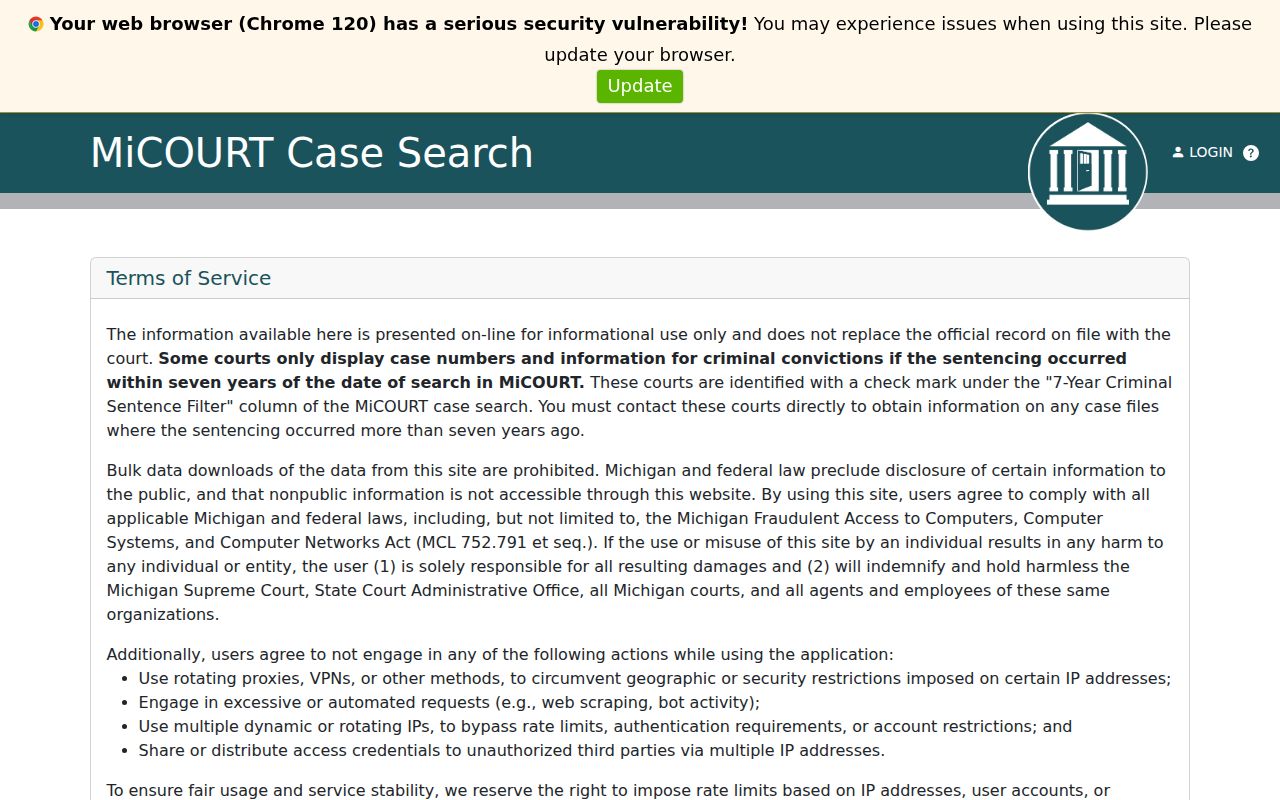
Once a C54 result looks right, the case detail gives the County Clerk a precise case number for a document request. That single step saves the clerk time. It also cuts the back-and-forth over which filing you mean.
How a Criminal Case Moves
A Tuscola County felony often starts in D71B. That court handles probable-cause proceedings and the preliminary examination. If the case is bound over, it moves into the 54th Circuit Court record path. Misdemeanors stay in district court the whole way. This split is why one felony may require checking both court IDs, and why a case number or docket event from an early proceeding can sit somewhere different from the later circuit activity.
Docket flow: Charge Filed › District-Court Preliminary Stage › Bindover When Applicable › Circuit Arraignment or Pretrial › Plea or Trial › Disposition
Tuscola Felony Record Transition
A June 25, 2024 State Court Administrative Office memo covers felony records bound over on or after July 2, 2024. It applies under MCR 6.110 and MCR 8.119. After bindover, the district or municipal record treatment changes. The circuit record stays accessible under the court-record rule, subject to restrictions. The memo also addresses record transmission.
So an empty D71B result settles nothing for a felony that changed courts after that date. Search C54 as well. Then ask the clerk which record path applies if dates or case identifiers do not line up. The official bindover memo gives the current rule-change context.
Courts That Hold Criminal Dockets
Two courts split the Tuscola County criminal docket. Misdemeanor cases and the early felony stages sit in the 71B District Court, which answers criminal, traffic, and magistrate questions at 989-672-3790 and general calls at 989-672-3800. Once a felony binds over, the 54th Circuit Court owns that file. Its records clerk, working through the Tuscola County Clerk, takes circuit record requests at 989-672-3775.
Caro and Vassar run no separate municipal criminal court. Their local police matters land in D71B. Appeals climb to the Michigan Court of Appeals, Fourth District, and a Tuscola trial-court number will not work as an appellate docket number there.
Tuscola Criminal Record Access
Start a Tuscola County docket search with the public MiCOURT tool when the court and a name or case number are in hand. A missing district case? Call the 71B District Court Clerk/Magistrate's Office. Circuit cases with no known number work better on paper: the County Clerk Search Request Form takes a name, rough years, and a criminal or both choice. Searching one name from 1989 forward costs $5, with $1 more per year before 1989, and mail requests need a money order, a return method, and a self-addressed stamped envelope.
With a C54 number in hand, the Copy Request Form is the right tool, listing the document, its filing date, and the page count. The circuit fee schedule prices Register of Actions pages at $1, true copies at $1 per page, and certified copies at $10 for the first page plus $1 for each extra page or document. Court reporters hold the transcripts. Visit the courthouse in Caro in person, where clerk staff explain process and fees but cannot give legal advice.
Sealed Dockets and Public Access
Michigan court records open to inspection and copying. A rule, statute, or court order must say otherwise. The public MiCOURT display shows selected case information, not every filing. Knowing a case exists does not unseal it. Sealed and restricted files move through the court and clerk access process. They never go through a county administrative FOIA request.
Key Rules:
MCR 8.119 - Trial courts maintain official records, with inspection and copying subject to limits, reproduction costs, and sealing rules.
MCR 1.109(D)(8) - Personal identifiers in filings require protection and may be redacted or corrected.
MCL 712A.28 - Juvenile proceedings and records have confidentiality and closed-hearing limits.
Missing Tuscola Criminal Results
A blank Tuscola County search result has several causes. The wrong court was picked, the name or number mismatches, the case sits outside a public filter, or a restriction blocks it. Juvenile, PPO, mental-illness, and other listed categories stay out of public MiCOURT search. What the tool returns is not a police report, booking record, body-camera file, exhibit, or transcript. Try the court-specific search route first. Then ask the originating clerk about the next records step.