
Searching Tuscola County Civil Dockets
Open MiCOURT Case Search and pick either 71B District Court or the 54th Circuit Court. Searching by party name works best when you narrow it down. Add first and middle names, case status, the Civil category, and filed-date filters. That cuts the noise. A case number you already know beats any name search for precision. Remember what the public search gives you: case-level details only. The clerk remains the source for the official Register of Actions. The clerk also holds the underlying documents and certified copies.
- Identify the court level from the case notice, amount, or matter type before starting the search.
- Open the court-specific MiCOURT page for D71B or C54.
- Search by the case number exactly as shown, or use a distinctive party or business name and Civil filters.
- Compare the court, title, filed date, status, and events before requesting a record from the correct clerk.
Note: A common surname or business name can return unrelated cases, so a case title and court check are essential.
Tuscola Civil Docket Court Choice
No single civil registry exists in Tuscola County. The dockets are split by court instead. Small claims, summary proceedings, and civil actions within the district-court statutory limit go to the 71B District Court, where small claims top out at $7,000 under the locally published information. The 54th Circuit Court takes civil actions over $25,000 along with its general circuit jurisdiction. Family Division matters sit inside the 54th Circuit structure. Probate and protective proceedings file under P79.
| Court | Civil docket focus | Public search route |
|---|---|---|
| 71B District Court | General civil, small claims, and summary proceedings within its jurisdiction. | MiCOURT D71B |
| 54th Circuit Court | Civil actions over $25,000, general circuit matters, and Family Division matters. | MiCOURT C54 |
| Tuscola Probate Court | Estates, trusts, guardianships, conservatorships, and related probate matters. | MiCOURT P79 |
Where a party lives does not settle jurisdiction. Amount, subject matter, and procedural posture decide the proper court. Search the wrong civil docket and you may get no result at all. That happens even when the file is public elsewhere in Tuscola County. The court printed on a summons, notice, judgment, or earlier filing is your best first clue. Check that paper before anything else.
Inside a Tuscola County Civil Docket
Think of a civil docket as a timeline. It is the chronological case history, not a stack of pleadings. A public case detail can show parties and attorneys, filing dates, status, hearings, register events, service or answer fields, dispositions, judgments, garnishments, and amounts. That depends on the case type. Exhibits and settlement material stay off the public screen. So can evaluator briefs and some filed pleadings. The public search does not display every document.
| Case title and parties | Names and roles used to identify the dispute without treating allegations as established facts. |
|---|---|
| Filed and service dates | The court-file start and available service or answer information, which are distinct from a decision date. |
| Events and hearings | Register entries and scheduled court activity, including a listed hearing when public detail supplies it. |
| Disposition or judgment | A displayed outcome, default, settlement, dismissal, or judgment label that should be read as a record entry. |
| Amounts and garnishment | Fields that may appear for the case type, not a final calculation of any obligation or payment history. |
Read each public docket entry as procedure, not story. A label like dismissal, default, settlement, or judgment marks an event or a reported disposition. It does not explain the narrative behind it. The same caution applies to money. A balance on a case display may not be the final payoff figure. Payments recorded elsewhere may not show up. When the exact document or a certification matters, ask the clerk for the appropriate official record.
Tuscola Small Claims and Civil Dockets
Small claims run on their own track at the 71B District Court. The locally published schedule sets the filing fees in tiers. Claims up to $600 cost $30. Claims from $600.01 through $1,750 cost $50. Claims from $1,750.01 through $7,000 cost $70. Attorneys and juries play no role in the ordinary small-claims process. A defendant can still transfer the matter to general civil. Those rules govern court procedure only. They are not advice on how any particular dispute should be handled. For a matter already filed, try D71B in MiCOURT first. Call the District Court next if the public result is missing, restricted, or too thin to pin down the right case. When you request a judgment, Register of Actions, or copy, name the specific document. Asking generally for an entire file slows things down. Local District Court material also describes judgment-enforcement forms. These include debtor examination, garnishment, order to seize property, and judgment lien forms. Seeing them in court materials does not mean a public docket alone establishes the right action for your matter. It does show why the file, court category, and entry dates belong together in any record request.
Civil Case Types on the Docket
Civil dockets at both courts cover a wide range of disputes. Contract, property, money, business, and damage cases all appear, among others. The 71B docket adds general civil, small claims, and summary proceedings. Circuit civil records carry the higher-value actions. Family records sit in their own circuit-division and access context. A case category or docket label proves nothing about the truth of an allegation. Nor does it tell the complete factual history. The 2023 court statistics for Tuscola show why the court choice matters. The official 71B report lists 1,311 new civil filings and 115 new small-claims filings for that year. The 54th Circuit report records its own civil categories. Treat those figures as workload counts. They are not a tally of unique people or a current case list.
Tuscola Circuit Civil Case Evaluation
Civil case evaluation in the 54th Circuit Court follows Michigan Court Rules 2.403 and 2.404. The rules push parties toward a dollar figure before trial. The local details are concrete. Each side pays a $25 per-evaluator fee to the ADR clerk. Payment is due within 14 days of notice. Briefs come due 14 days before the evaluation. Parties then have 28 days to accept or reject the figure. A late fee of $150 applies, divided into three $50 amounts. Court administration can confirm how those deadlines apply to a live case.
MiCOURT tracks the case history. It will not open evaluation briefs, exhibits, or settlement papers to the public. For the circuit assignment, court administration answers at 989-673-3330. Copy and record questions go to the County Clerk's circuit-records channel.
For docket readers, timing is the point. A case-evaluation notice may appear in the case history. So may a deadline entry. Briefs and the parties' responses, though, are not automatic public search documents. The clerk or court administration can identify the procedural record path without interpreting the litigation.
Civil Docket Settings and Hearings
A civil setting can take many forms. It might be a motion hearing, an evaluation event, or a status matter. Trial-related settings count too. When you read a public case detail, weigh the date and time together with the court, the hearing type, and the case ID. A filed date is not a hearing date. An open status tells you nothing about what will happen.
Continuances and scheduling orders can move a civil docket. So can later clerk updates. Before an approaching date, confirm it through the case detail and the originating court. The separate Tuscola County court dates page covers the local calendar and confirmation routes in more detail.
Tuscola Civil Docket Copy Strategy
Match the request to what you already know. For a circuit case with a known number, the Tuscola County Clerk's Copy Request Form wants the case number, the document, the filed date, the page count, and whether certification is needed. When the number is unknown, the Search Request Form takes a name, approximate years, and a civil or both-type request.
The search fee is separate from any later copy fee. For D71B civil or small-claims material, start with MiCOURT and then contact the District Court. A transcript comes from the court reporter, not as an ordinary clerk copy.
The 54th Circuit search form calls for a money order. Make it payable to Tuscola County Clerk. The form keeps a requested search apart from a later copy request and lets the requester give a return route. Know only a name and year? Find the case first. Then request the Register of Actions, an order, a judgment, or another available item by number and date.
The official MiFILE available-courts directory shows which courts accept e-filing. MiFILE itself is not a public civil-docket database. Treat it as a filing tool, not a case-lookup source.
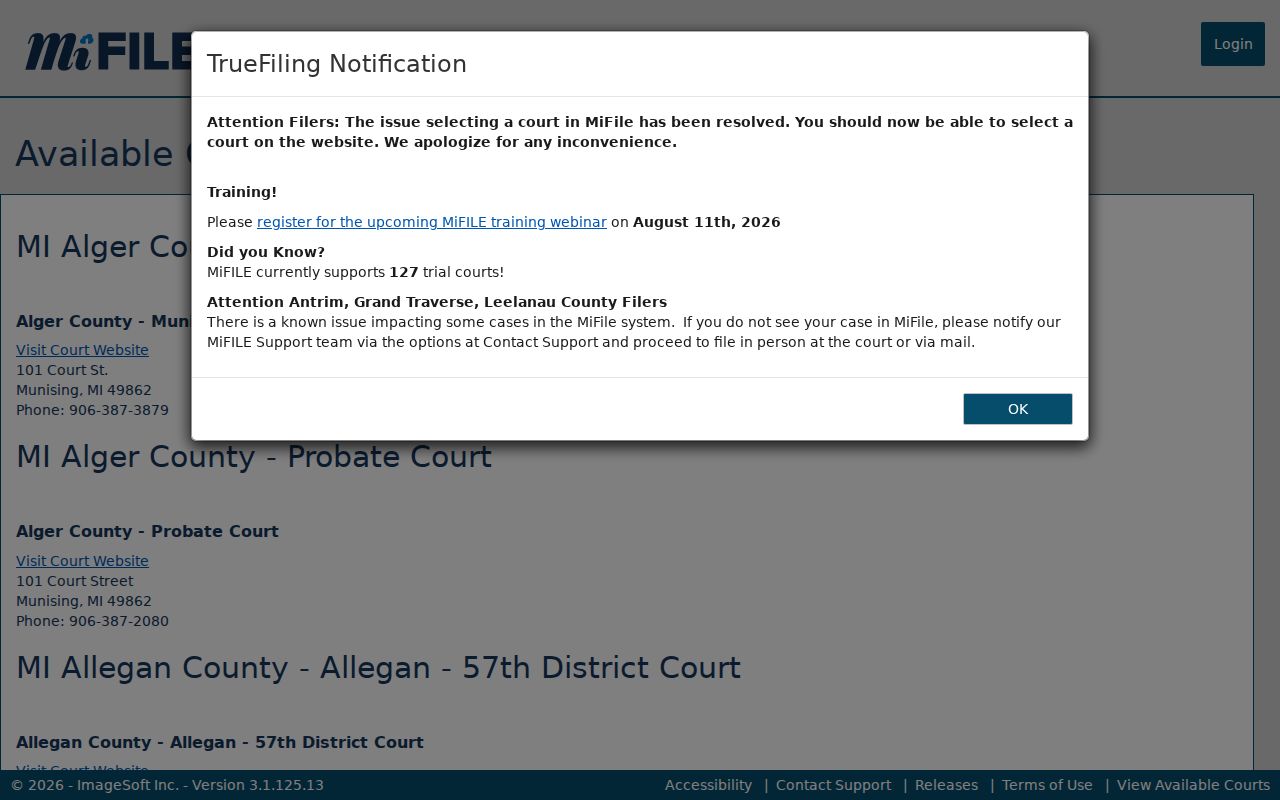
Public case research stays with MiCOURT and the clerk, while MiFILE serves authorized filing activity only.
Civil Docket Access Rules
Under MCR 8.119, court records are open for public inspection and copying unless a rule, statute, or court order restricts access. The court may charge for copies. It may not charge you just to look. MiCOURT, meanwhile, can display selected case information rather than every document in the court file.
Access boundary: Court records follow Michigan court rules and the clerk's procedure. Tuscola County's administrative FOIA materials do not replace the court-record process, because judicial records are outside the ordinary county FOIA route.
Juvenile, adoption, PPO, and mental-illness records may be missing from public search. So may other protected categories. A known party name or case number does not unlock a sealed record.
MCR 1.109 also governs personal identifiers and redaction. So a public civil docket can look thinner than the filing an authorized party sees. A document may be withheld in part. The case itself stays visible. Ask the custodian a focused question, not a demand to defeat the restriction.
Tuscola Probate Civil Record Route
Probate runs on its own P79 route. It shares the county courthouse location with the other courts. Estate and trust filings can be public. Guardianship, conservatorship, and mental-health matters may face additional access limits. Check the Tuscola Probate Court page. Use the P79 search selection rather than assuming a district or circuit civil search covers probate. That page lists court-specific contacts, MiCOURT access, and remote-request forms.
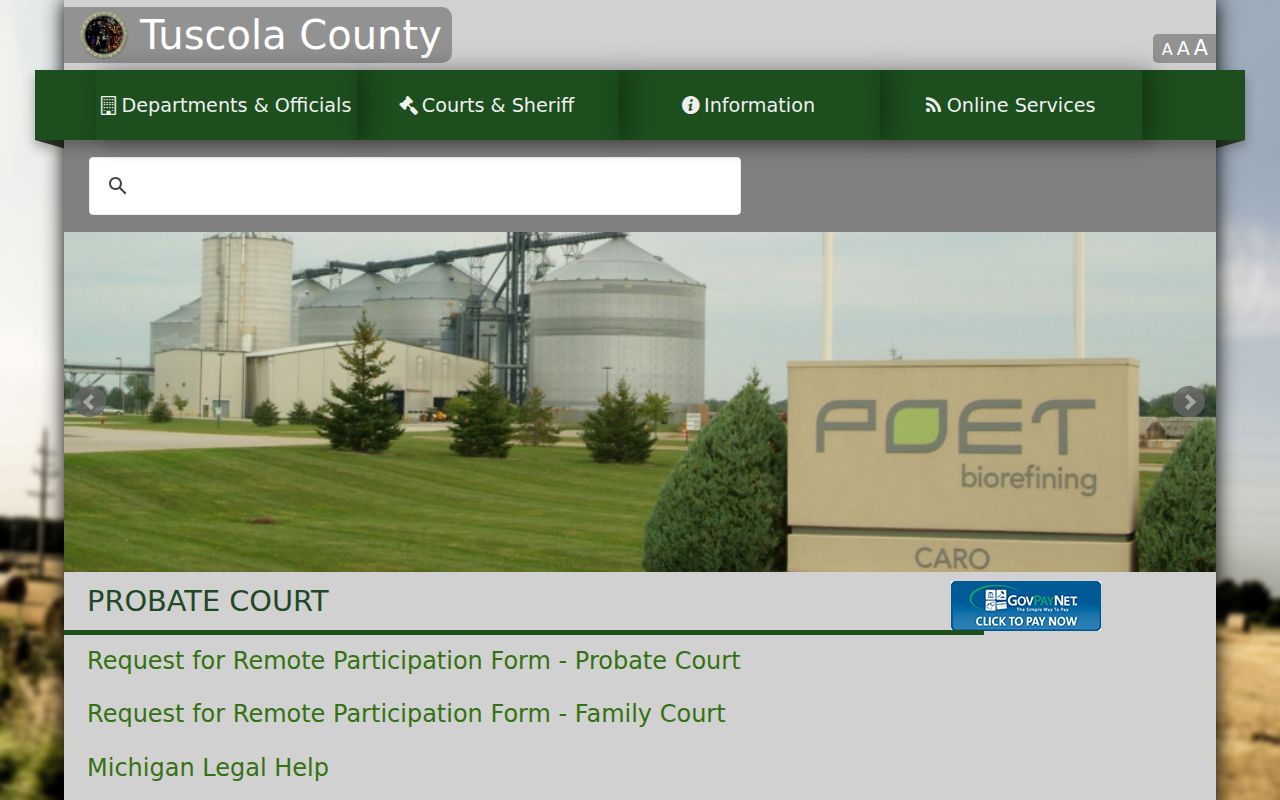
That separate probate route matters most when a case title or relationship label leaves the record type unclear. Tuscola County court docket entries do not always announce themselves, so the probate clerk's own docket search can settle the question.