
How to Search Cases by Name
For a name search in Tuscola County, the place to begin is the statewide MiCOURT Case Search. Pick a court first. Then type the last name or business name. The field demands at least two characters. Wildcards are off the table. A common surname will flood you with hits. So add a first or middle name, or a birth year where it fits. One more caution: a matching result proves nothing about identity. Treat it as a lead, not a verdict, until you check the case detail.
- Open MiCOURT and choose Tuscola County's C54, D71B, or P79 court row based on the matter.
- Enter the required last name or business name, then add an available first or middle name to distinguish similar results.
- Use case status, category, filed-date, or offense-date filters when the result list is broad.
- Open the case detail and compare the case title, court, filing date, and case ID with the notice or clerk information.
| Field label | Type | Required | Use in a Tuscola search |
|---|---|---|---|
| Last Name or Business | Text | Yes | At least two characters; no wildcard characters. |
| First Name / Middle Name | Text | No | Useful for separating people or businesses with similar names. |
| Birth Year | Numeric | No | Use only to narrow an authorized search, not to publish sensitive details. |
| Case Status / Category | Filter | No | Choose open, disposed, or closed status and the relevant civil, criminal/traffic, or probate category. |
Choose the Tuscola County Court First
There is no single Tuscola County case database. The search tools are court-specific. The 54th Circuit Court search runs on identifier C54. It covers felony, circuit civil, family, and related circuit files. The 71B District Court search uses D71B. That one covers traffic, misdemeanors, civil infractions, general civil, small claims, summary proceedings, and the early stages of a felony. Tuscola Probate stands apart under P79. Felony cases can start at D71B. They move to C54 after bindover. An empty district result on a post-bindover case does not mean the circuit has nothing. The State Court Administrative Office's 2024 bindover memorandum spells out why both record paths deserve a check. Division choice also shapes what comes back. A traffic ticket or small-claims dispute belongs in D71B first. A circuit civil or felony matter points to C54. An estate or guardianship question points to P79. Family support can involve the Friend of the Court or a state support system alongside the circuit case. So the public case title alone will not tell you every related administrative record is on MiCOURT.
How to Search by Case Number
For a Tuscola County case lookup, nothing beats a case number. MiCOURT's form takes an optional four-digit case year. It requires the case-number field and offers an optional two-character case type. The public interface accepts several identifier patterns. Enter the number exactly as the court notice, payment notice, or clerk response prints it. Do not add punctuation. Do not strip leading zeroes. The system documentation shows formats like 1818003SC, 000001073, and a number paired with a two-character type. Those are interface examples, not real Tuscola case numbers. Court identifiers C54, D71B, and P79 matter too. A shared county address does not make their records interchangeable. MiCOURT's developer material describes a docket identifier. It combines case year, case number, case type, and sometimes a role number. That is why a docket reference may not resemble a simple local sequence. When the printed notice carries a two-character type, include it. Do not guess from the allegation, the party relationship, or the court name. And if the case changed courts, keep both numbers handy when you call the clerk.
Note: If a number returns no result, confirm the court, year, and type before assuming the court has no file.
Tuscola County Case Search Filters
MiCOURT's filters sharpen a name result without touching the underlying record. Case Status offers Open or Pending, Adjudicated or Disposed, and Closed. Case Category splits Civil from Criminal/Traffic/Civil Infractions and Probate. Civil also includes domestic and family matters. A filed-date range helps you locate the court-file start. For a criminal or traffic matter, an offense-date range often works better. The official search home shows the application entry point and the court selector. It also shows the name and case-number search choices.
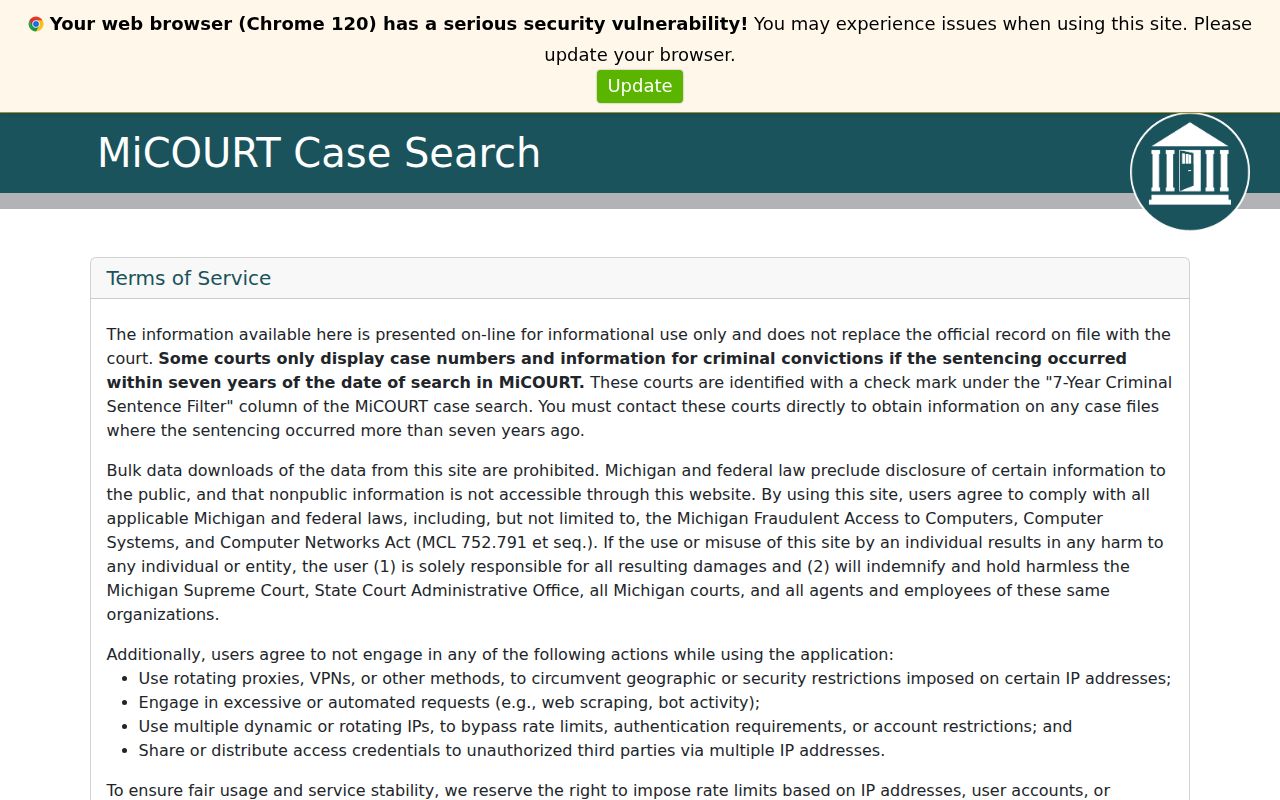
Filters narrow the field, nothing more. Before relying on a result, check the court and the case title on the case detail page.
What a Case Search Shows
A public result card can carry the case ID, title, filed date, status, balance, court, next hearing, and a party-result area. Open the case detail and more appears. That screen can add the judge of record, disposition and closed dates, court events, hearings, charges or civil fields, financial information, and a payment option for an eligible case. All of that helps you locate a file or check a court date. It is not a certified document collection. The public display stops short of that.
| Case ID and title | The identifier and case caption used to distinguish the court file from similar search results. |
|---|---|
| Filed date and status | The start date and current public status, which are not a finding on the merits. |
| Next hearing | A listed future date, time, and sometimes location or hearing officer; confirm changes with the court. |
| Events and disposition | Public case-history entries and a displayed outcome or closed date where available. |
| Balance or payment | Displayed court financial information for an eligible case, not a guarantee of a final payoff figure. |
Criminal detail may list counts, current and original charges, bond, arraignment, disposition, and hearing fields. Civil detail can show service, answer, judgment, garnishment, and register information. These field lists describe what the public system may display. They grant no right to republish sensitive information. Nor does a preliminary entry amount to the complete court file. Treat it accordingly.
Tuscola Probate Case Lookup
Probate searches need the P79 court selection, not circuit or district. Tuscola Probate handles estates, trusts, guardianships, conservatorships, and mental-health commitments. Some filings are public. Others are not. Guardianship, conservatorship, or mental-health material can carry added restrictions. The court clerk decides what may be inspected or copied in each matter. The official P79 search route presents the probate-specific court context.
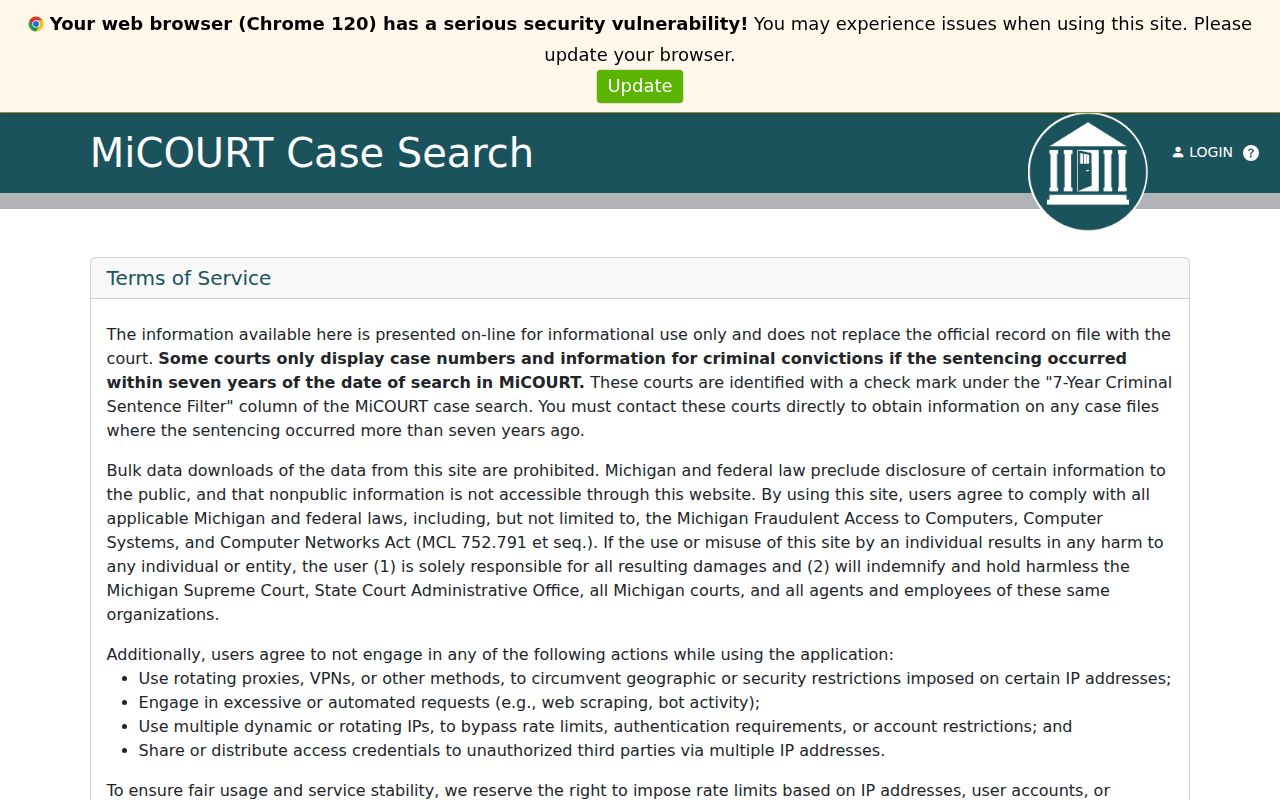
Probate cases in Tuscola County live in a record system of their own. A general docket search can miss them, so choose the probate court selector before you search.
County vs Statewide Case Search
MiCOURT serves two jobs. It is the statewide public entry point. It also leads to each Tuscola County court's own pages. It is not a county document store of its own. Use the statewide screen when you do not know which court holds the case. You can also use it to pick a court across the state. If you already know the Tuscola County court, go straight to C54, D71B, or P79. Official copies still come from the clerk. That clerk serves the court where the case was filed.
| MiCOURT statewide entry | Tuscola court-specific route |
|---|---|
| Searches the public application and court directory. | Starts with C54, D71B, or P79 already selected. |
| Best when the proper Michigan court is not yet known. | Best when the record type or Tuscola court is already known. |
| Shows informational public case data. | Shows the same public system in the selected court context. |
| Does not issue certified copies. | Does not replace the clerk's Register of Actions or copy procedure. |
MiFILE and Tuscola Case Lookup
MiFILE is Michigan's e-filing system, built on the TrueFiling interface. Filers with accounts use it to submit documents and manage filings in a case. It is not a public case-search channel. Tuscola's local 2025 MiFILE instructions point filers there. Anyone doing case research still goes through MiCOURT or the court clerk. The sign-in page shows what that system handles.
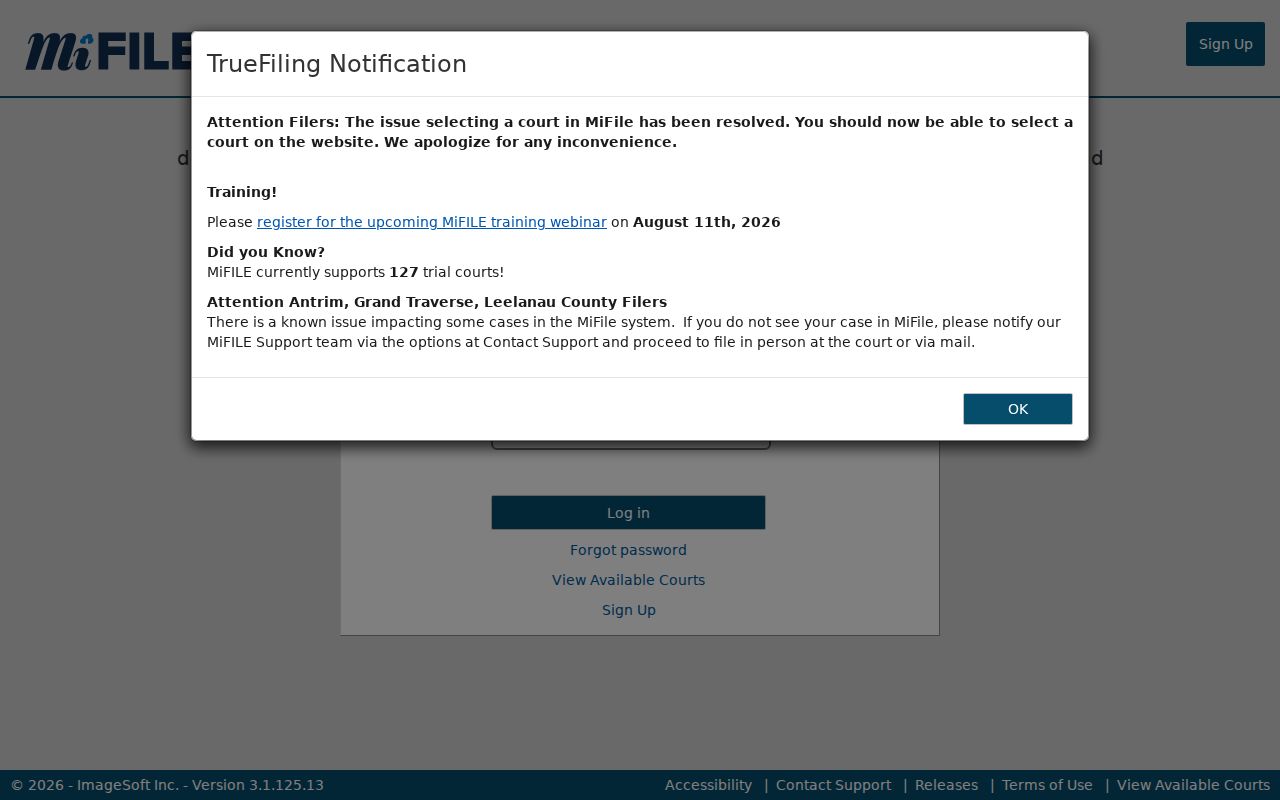
A MiFILE account grants filing access, nothing more. It does not replace a Tuscola County case lookup or hand out public copies.
Tuscola Case Search Limits and Exclusions
MiCOURT carries a notice worth reading. Public results are informational and never replace the official court record. Some courts show only recent criminal convictions. The window covers the past seven years. Check the court-directory indicator when you need older criminal history. The notice also bars automated scraping and bulk extraction of public records. Whole categories sit outside public view. Hidden groups include juvenile and child-protective proceedings, adoptions, mental-illness matters, name changes, PPO-related matters, wills, and other protected files. A docket entry can be visible while the document behind it stays redacted or unavailable. Want a copy, a restriction answer, or an official Register of Actions? Go to the court that maintains the case. Do not try to slip past the public search controls. If a search comes back empty, enter the exact case number first. Confirm you picked C54, D71B, or P79 correctly. Narrow a name with a first name and a date range. The clerk can explain a mismatch or a transfer to another court. Do not widen a search again and again. That is not a lawful way into juvenile, sealed, or protected material.
Restricted Cases and Access Rules
Michigan Court Rule MCR 8.119 opens most court records to public inspection and copying. A rule, statute, or court order can say otherwise. The same rule sets the framework for sealing files. A case number alone will not unlock what a judge has sealed. Need a public copy or a deeper records request? Figure out which court holds the case. Then use the Tuscola County court record search route. It points you to the right clerk and the current fees. Court staff can walk you through the access process. They cannot advise you on whether a judge will unseal a file.